
Understand Plans
Applies to: Advanced Billing
Last updated on Aug 27, 2026
In Advanced Billing, you sell Subscriptions to your Plans. You must first create and configure a Plan before you can sell anything in your site. Plans are administered on a site-by-site basis, located in your Catalog.
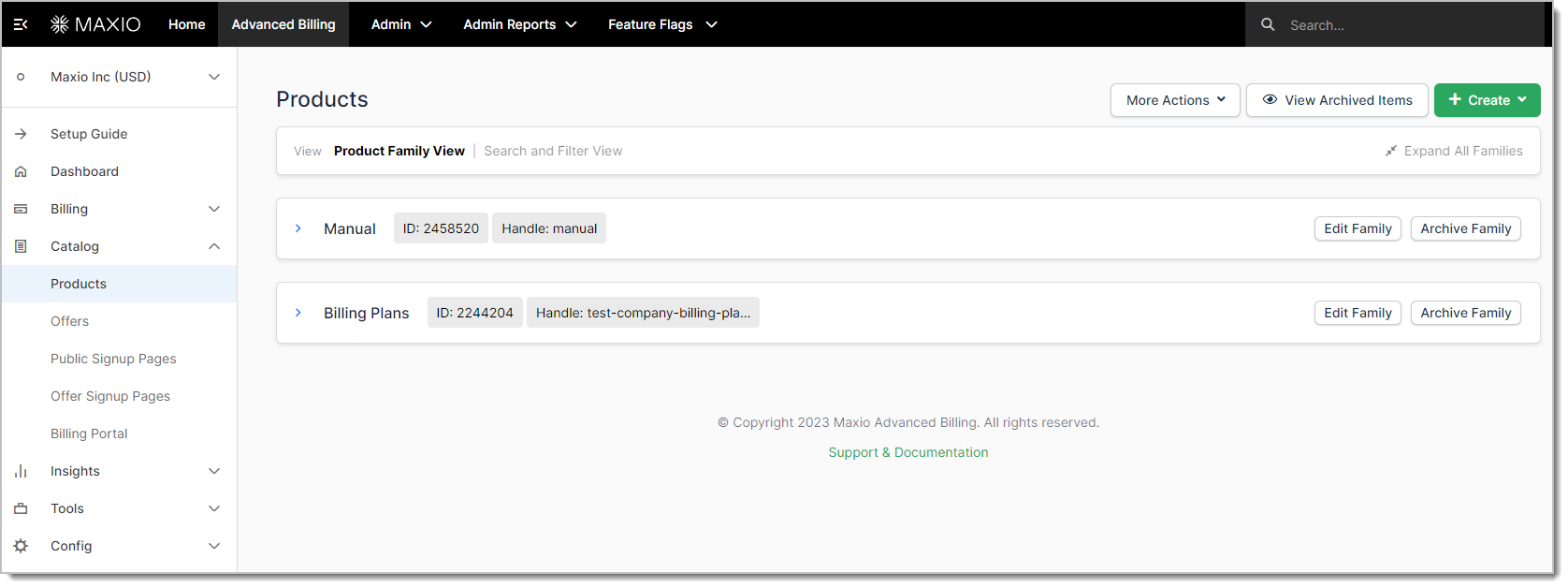
Plans in the catalog
In your own business, you might refer to these as "Feature Levels" or "Tiers." For example, if you have "Basic," "Pro," and "Max" tiers, each of these would be a separate Plan within Advanced Billing.
Key capabilities
A Plan isn't limited to recurring billing. If your customers can pay for it, whether it renews on a schedule or is a one-time offering, it can be a Plan. A Sponsorship you sell once is as valid a Plan as a monthly subscription tier, and it can sit in its own Product Family alongside your recurring offerings.
Plans belong to a Product Family. A Product Family should contain the Plans that are all different "feature levels" of the same thing, so you can usually upgrade and downgrade between Plans within the same Product Family.
Once you have created a Product Family, you'll have access to the Create Plan button next to the Product Family name. Some of the basic parameters of a Plan are:
- Name
- Description
- Accounting code
- Creating Plans, such as return URL and parameters, API handle, credit card requirements, and address requirements. These settings also let you set the recurring interval, recurring price, trial period, trial price, initial fees, and expiration intervals.
Limitations
Plans cannot be deleted, but they can be archived. Archiving a Plan prevents new subscriptions from being created with that Plan, whether through signup or migration. Existing subscriptions continue as usual with the archived Plan unless they're changed or migrated to a different Plan.
Archiving a Plan removes its API handle and releases it for other Plans to use. When you unarchive a Plan, you'll have the option to add its previous API handle back if it's still free.
You can't archive a Plan if there are any pending delayed changes for it. If you receive an error when trying to archive a Plan, you can find the pending changes by running a Subscriptions export and looking at the next_product_id column.
Related information
To learn how to archive other catalog objects, see Archiving a Product and Archiving a Coupon.
Still need help?
Reach out and our support team will take it from here.