
Sync with QuotaPath
Applies to: Maxio Core
Last updated on Aug 28, 2026
Syncing with QuotaPath pulls your deals and resolved commission payouts into Maxio. Payouts sync in as Expense Obligations, which you then process to generate the vendor, Contract, Expense Transaction, and bill for each commission.
Sync steps
Each sync step can be run independently, and has its own Sync Now action and Date of Last Synchronization.
To run these sync steps, go to Expenses > QuotaPath, then select the Synchronization tab.
| Step | Description |
|---|---|
| Get Deals | Fetches the deals behind your QuotaPath commissions. |
| Get Payouts | Fetches resolved commission payouts from QuotaPath and syncs them into Maxio as Expense Obligations. Requires Sync Vendors to be enabled in your QuotaPath integration settings. |
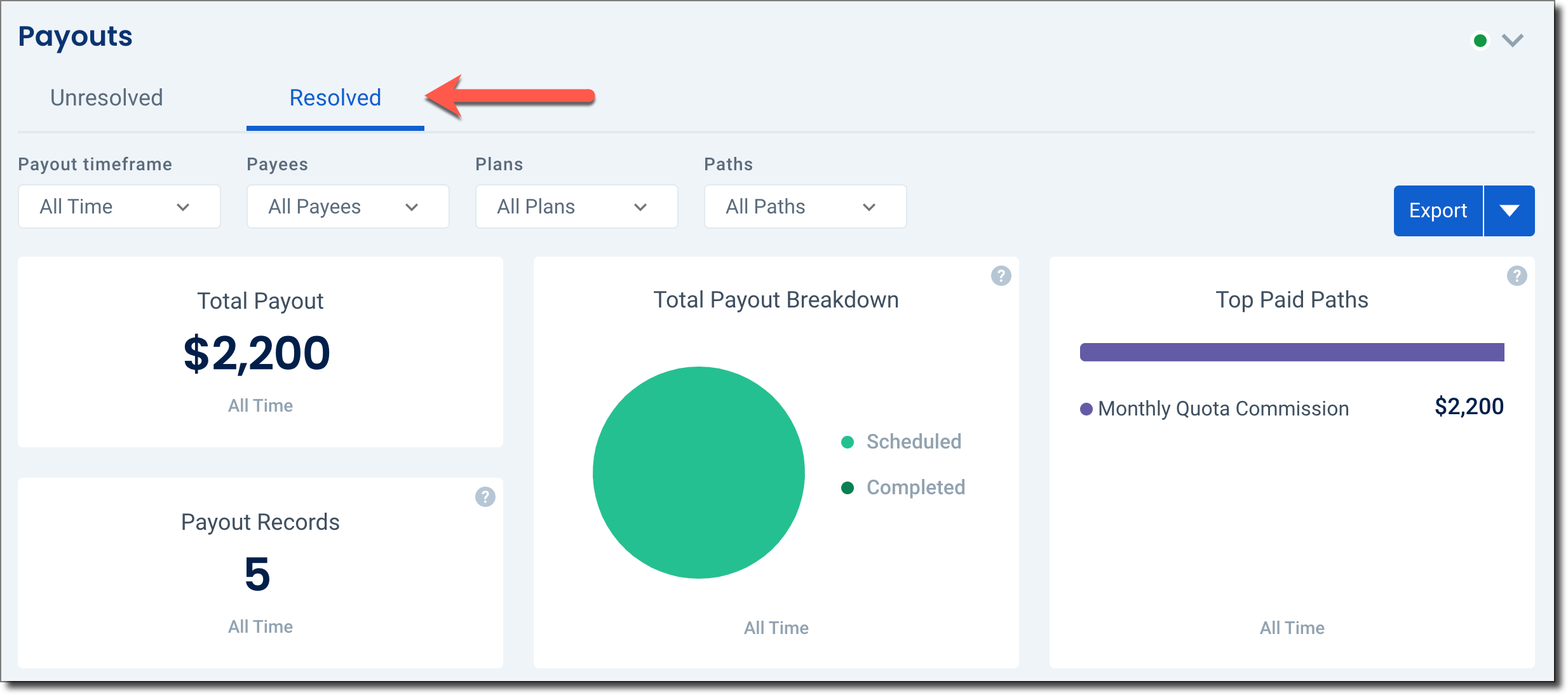
QuotaPath only marks a payout as Resolved once it's been finalized on their side. Maxio doesn't sync Unresolved payouts, which limits the risk of accounting for an amount that could still change.
Typical data flow
Once connected, commission data typically flows from QuotaPath into Maxio in this order:
- A sales commission is paid out in QuotaPath.
- You sync with QuotaPath in Maxio, and the commission comes in as an Expense Obligation.
- You process the Expense Obligation to generate the vendor, Contract, Expense Transaction, and bill for the commission.
- Creating the Expense Transaction also creates the expense recognition schedule, which the Advanced Expense Summary Report uses.
Maxio accounts for the date a commission was earned separately from the date it was paid, defaulting the recognition start date to when the commission was earned. This keeps your accounting compliant even when there's a delay between the two dates, and supports cumulative catch-ups if you've already closed the accounting periods a commission relates to.
Related information
To process a synced Expense Obligation, see Manage Expenses.
Still need help?
Reach out and our support team will take it from here.