---
title: Understand Scheduled Renewal
url: https://docs.maxio.com/billing/subscriptions/configuration/term-renewal/scheduled-renewal
applies_to: Advanced Billing
updated: 2026-10-26
---
# Understand Scheduled Renewal
Manually configure a Term Subscription's next renewal instead of relying on Auto-Renewal, then choose exactly when it locks in. A Renewal keeps a Term Subscription active beyond its current term; without one configured, a Term Subscription expires when its current term ends.
> **Important:** Scheduled Renewal requires Term Subscriptions and this feature enabled for your site. Contact [support@maxio.com](mailto:support@maxio.com) for assistance. In the product UI, this option appears as **Manual One-Time** when you choose a renewal type.
## Check a subscription's term and renewal status
From the Subscription page, the **Term** section shows the Subscription's term and renewal status at a glance.
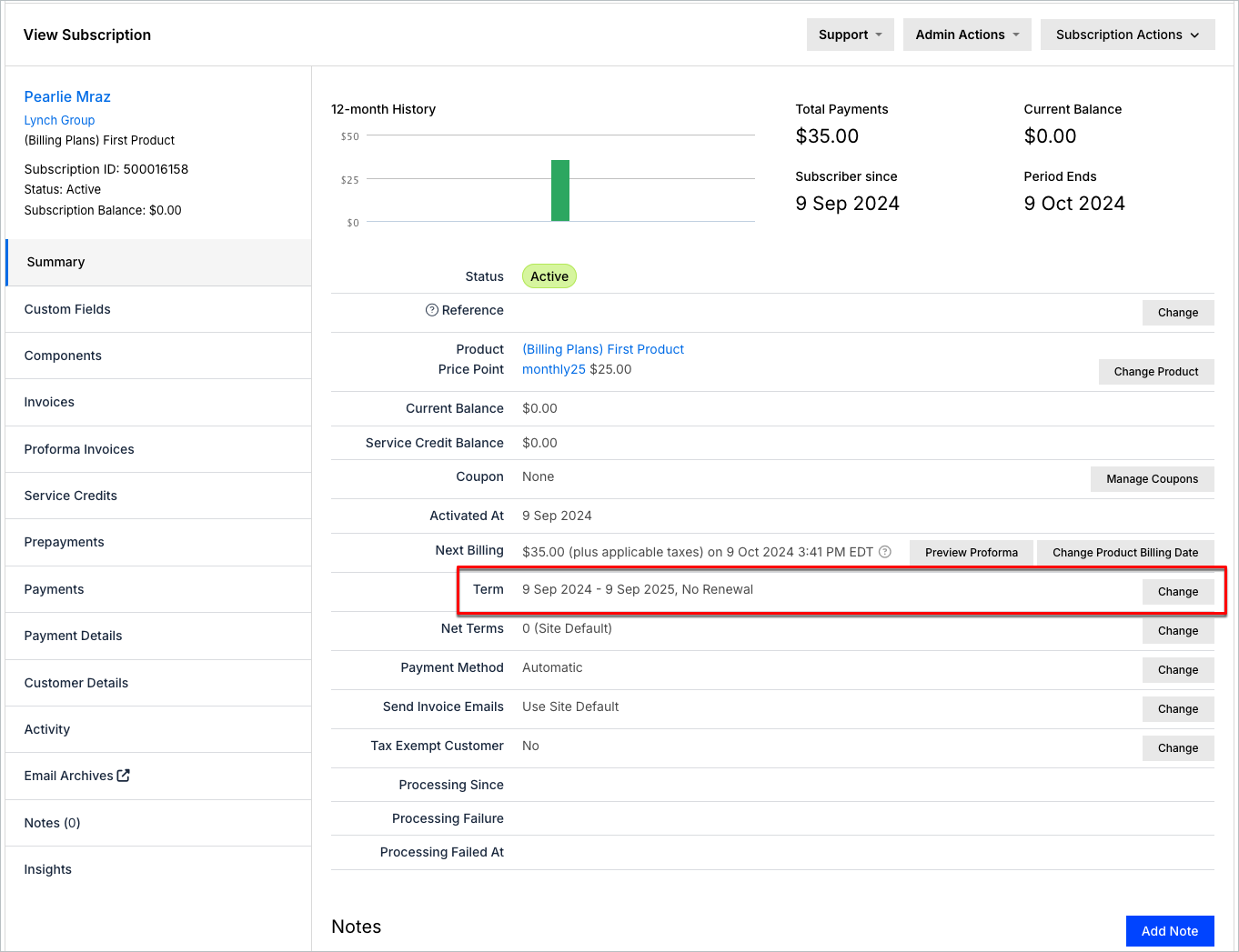
Select **Change** to add or edit a Renewal.
## Renewal status reference
The Renewal status appears next to **Renewal Setup**.
- **Draft:** The Renewal is being edited and hasn't been saved. Draft changes persist even if you navigate away.
- **Scheduled:** The Renewal is saved but not yet locked in; lock-in is scheduled for a future date.

- **Pending:** The Renewal is saved and locked in, but its term hasn't started.
> Changes in the Renewal only appear on the Subscription once its current term ends and the Renewal becomes the new current term. For example, a Component price increase in the Renewal doesn't show in the Subscription's Components table until then.
## Next steps
Ready to configure one? See Set Up a Scheduled Renewal.
For how Scheduled Renewal and Auto-Renewal compare, see Choose Between Auto-Renewal and Scheduled Renewal.