
Configure Product Settings
Applies to: Advanced Billing
Last updated on Aug 27, 2026
Set the default proration scheme applied across every Product on your site.
Configuring the default proration scheme
Important: This setting affects your entire site immediately.
To configure the default proration scheme
- Go to Config > Settings > Products.
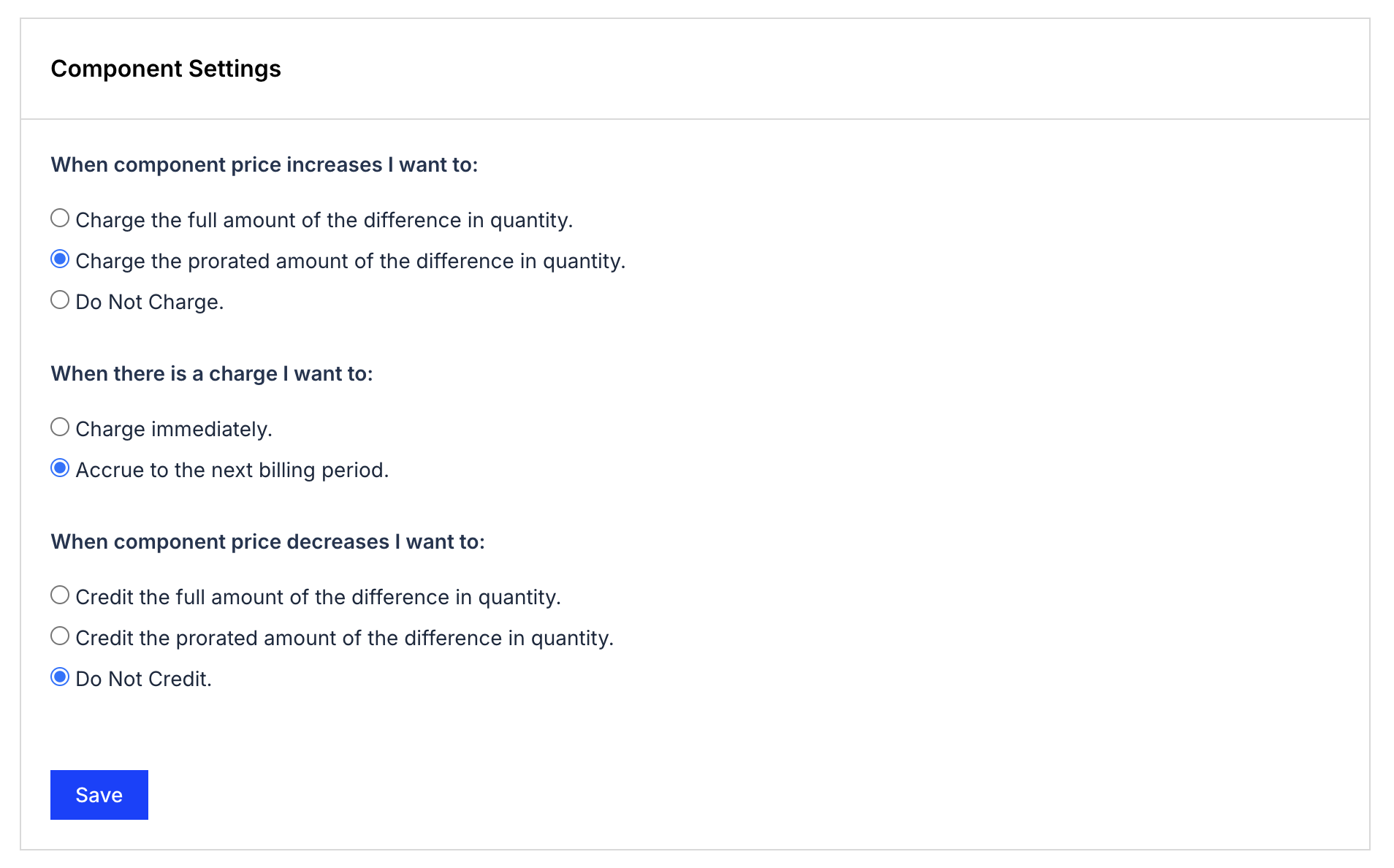
- Select the options for what happens when the price increases, when to charge, and what happens when the price decreases. See Configure Proration Schemes for Products for what each option means.
- Click Save.
Applying the default proration scheme
When you apply Products to Subscriptions, this default proration applies to quantity-based and On/Off Products. Review Understand How Products Are Billed before applying Products, to understand how allocations and proration work together.
Related information
See Understanding Product Settings for how to override this default at the individual Product level.
Still need help?
Reach out and our support team will take it from here.