
Assign WhoPays to a Subscription
Applies to: Advanced Billing
Last updated on Aug 26, 2026
Assign WhoPays whenever you create a Subscription for a Customer who's part of a hierarchy, to choose which Customer is responsible for payment.
Assign WhoPays on a new subscription
To assign WhoPays on a new Subscription
- Create a Subscription for a Customer in a hierarchy.
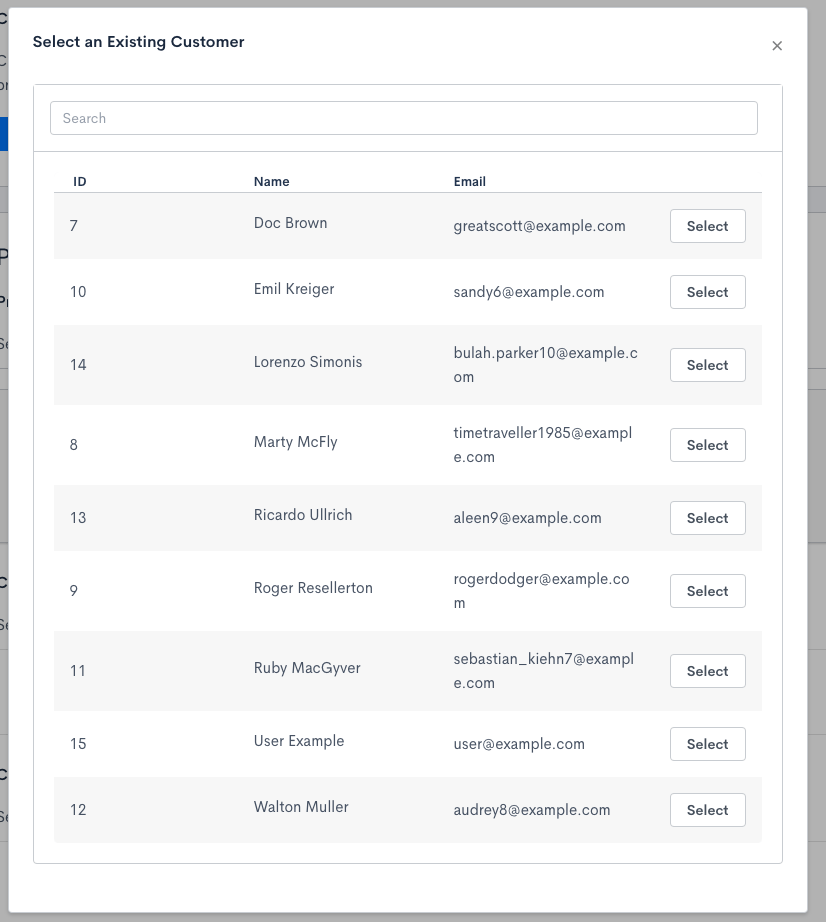
- Select an existing Customer, or create one and assign its parent on the fly.
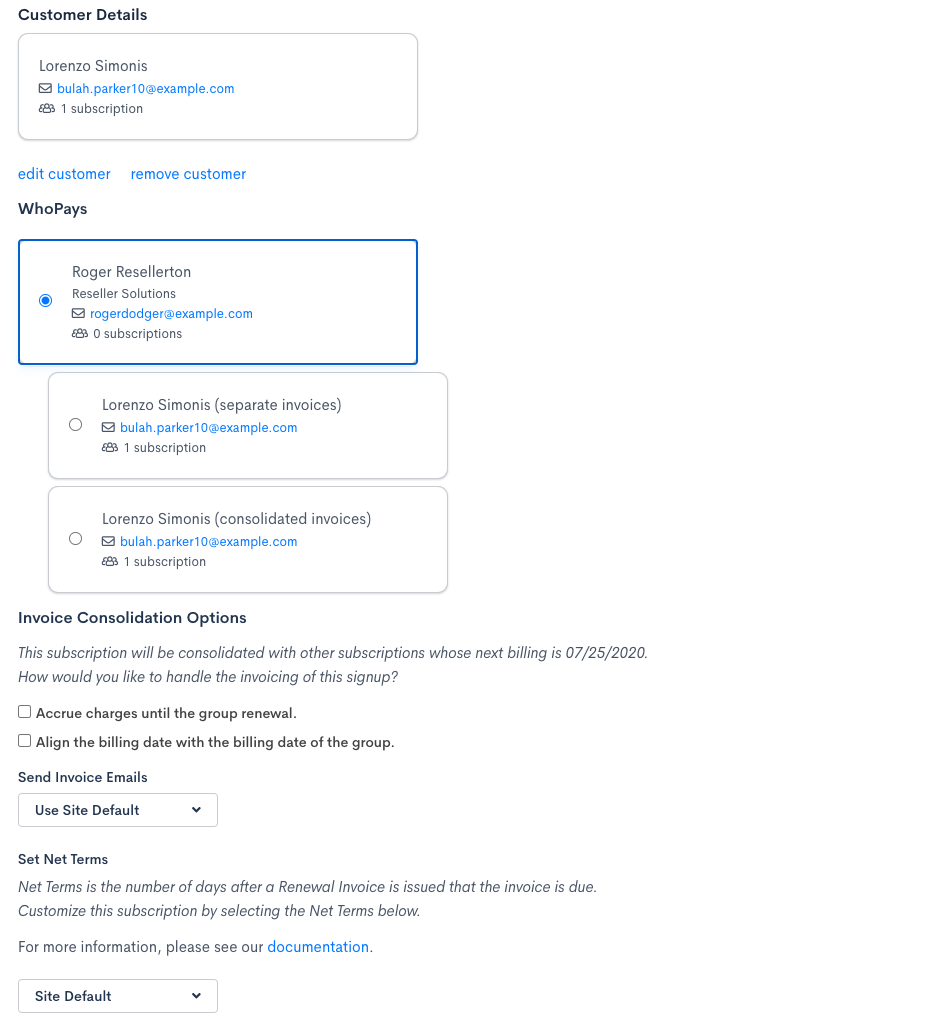
- On the WhoPays step, choose the Customer, Parent, or Eldest Ancestor as the payer. See Choose a default payer for what each option does.
- Complete the rest of the Subscription form.
Related information
To set up the parent/child relationship a Subscription's WhoPays choice depends on, see Set Up a Customer Hierarchy.
Still need help?
Reach out and our support team will take it from here.