
Configure Uniqueness Token Settings
Applies to: Advanced Billing
Last updated on Sep 19, 2026
When your integration sends a request to Advanced Billing, a uniqueness token identifies that request. If the same token arrives again within a window you set, Advanced Billing treats it as a duplicate rather than acting on it twice, which protects against retries and double submissions creating duplicate records. This setting controls how long that window lasts, and changing it requires the permission described as manages product catalog, settings, and integrations.
Set the token duration
Go to Config > Settings and click Duplicate Prevention in the left sidebar to open the API Duplicate Prevention and Uniqueness Token section, then enter the number of hours Advanced Billing should reject a repeat of the same token.
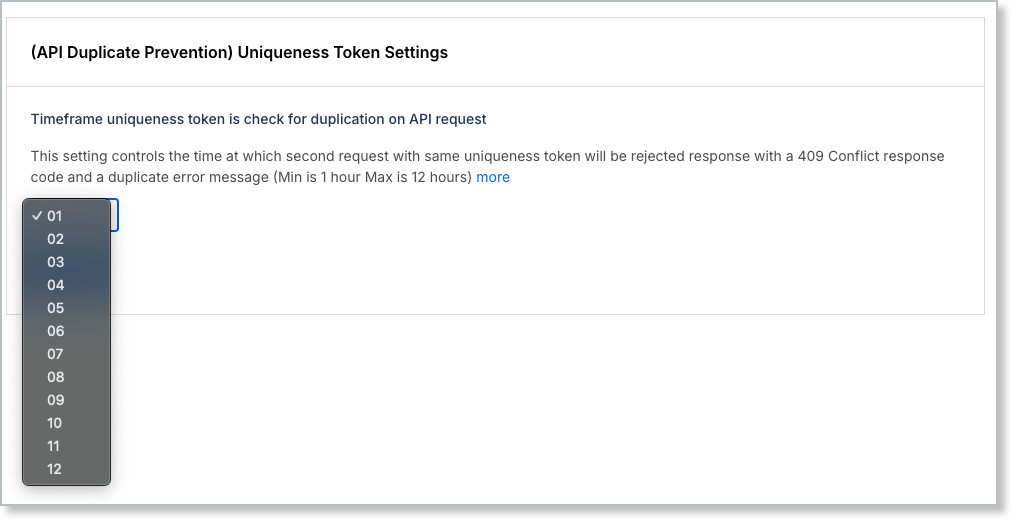
The value must be between 1 and 12 hours. The default is 1 hour.
If you need a window longer than 12 hours, contact Maxio Support.
Related information
For how uniqueness tokens work in a request and how to generate them, see Duplicate Prevention on the Maxio Developer Portal.
Still need help?
Reach out and our support team will take it from here.