
View Statements (Legacy)
Applies to: Advanced Billing
Last updated on Aug 26, 2026
Statements are a legacy feature: they appear only on sites running Advanced Billing's legacy architecture, and are not produced on Relationship Invoicing sites. If your site was created recently, you will not see a Statements tab at all — you are billing with invoices instead.
Where to find it
Where the tab exists, click Statements on the left side of the subscription summary to reach a list of the current statements for that subscription.
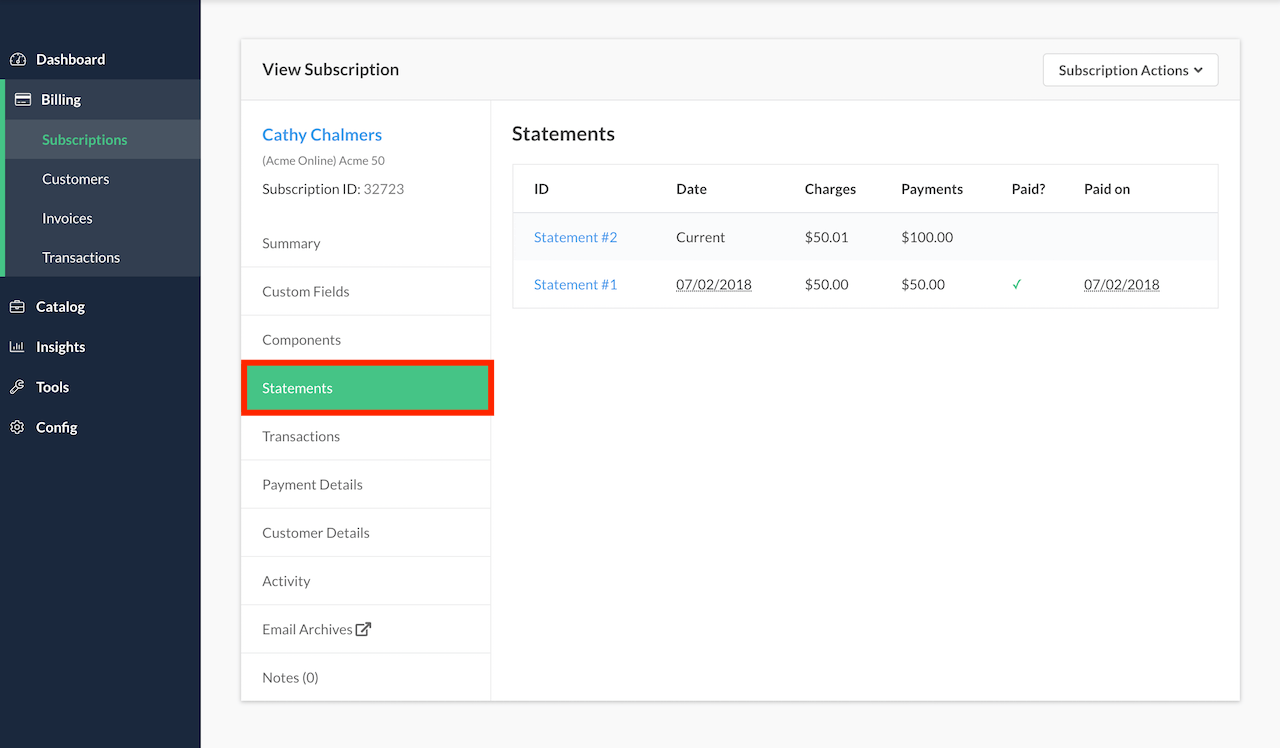
Each row shows the statement's charges, the payments recorded against it, and whether it has been paid.
If you don't see this tab
A missing Statements tab means the site is on Relationship Invoicing rather than the legacy architecture. The equivalent records there are invoices, covered in the Invoices tab and in Get Started with Invoicing.
Please be aware that this article is related to Advanced Billing's Subscription Summary function. The subscription summary is the place to perform all tasks necessary to manage customers’ purchases through Advanced Billing.
You can learn more about the Subscription Summary by checking out this help article: Subscription Summary Overview.
Still need help?
Reach out and our support team will take it from here.